01DESIGN CHALLENGE
For this four week project, I created a small 3D animated scene using AI generated concepts and assets.
My goal was to explore how AI tools can be used in a 3D production workflow, from visual concept development to asset generation, scene building, material adjustment, and final animation in Blender.
My goal was to explore how AI tools can be used in a 3D production workflow, from visual concept development to asset generation, scene building, material adjustment, and final animation in Blender.
02 CONCEPT DEVELOPMENT
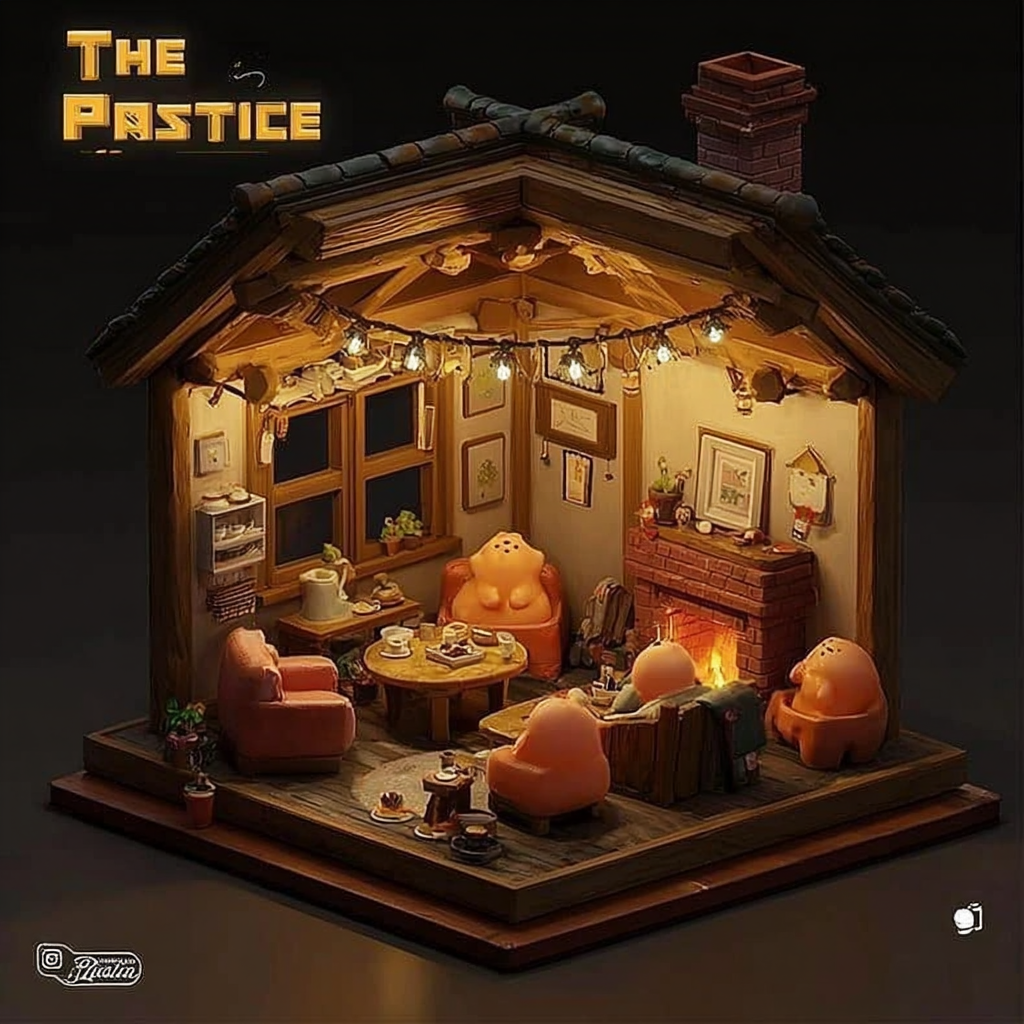
At the beginning of the project, I used AI image generation tools to explore different visual directions.
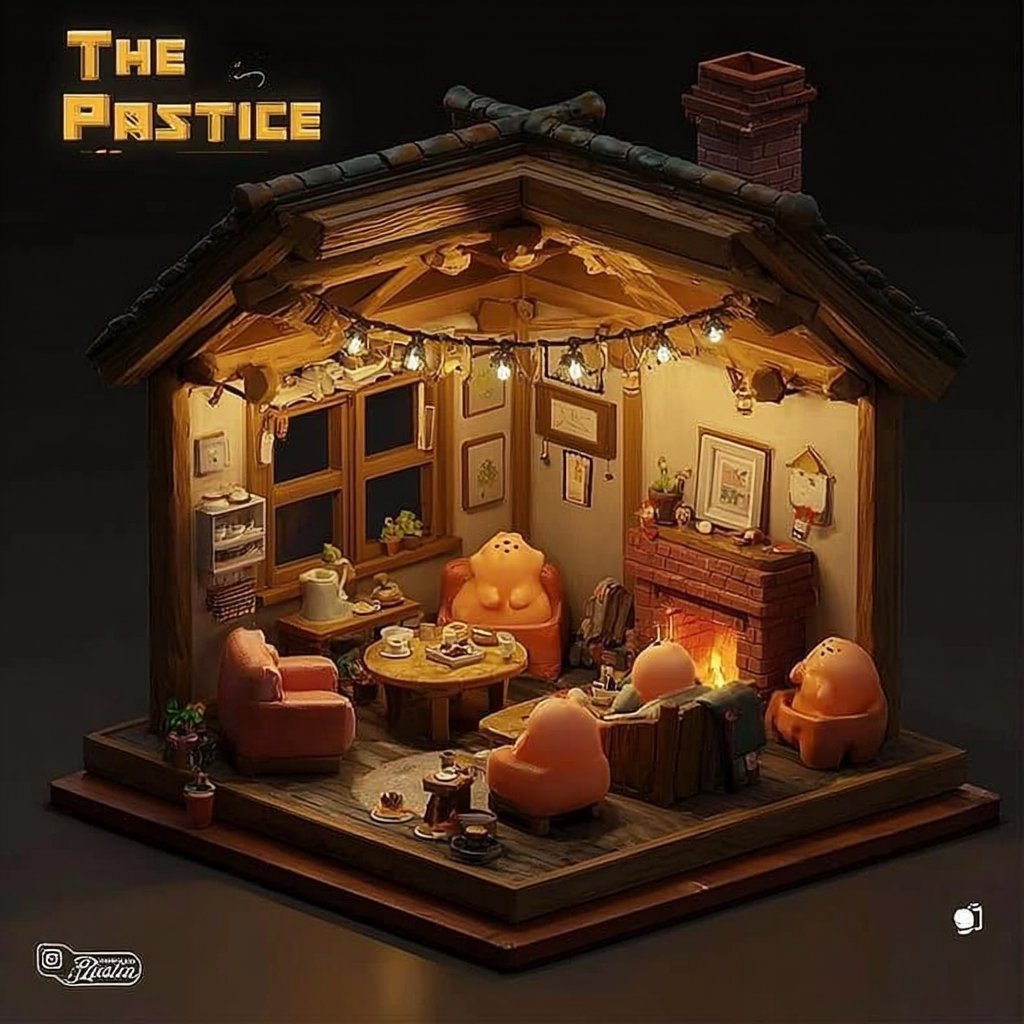
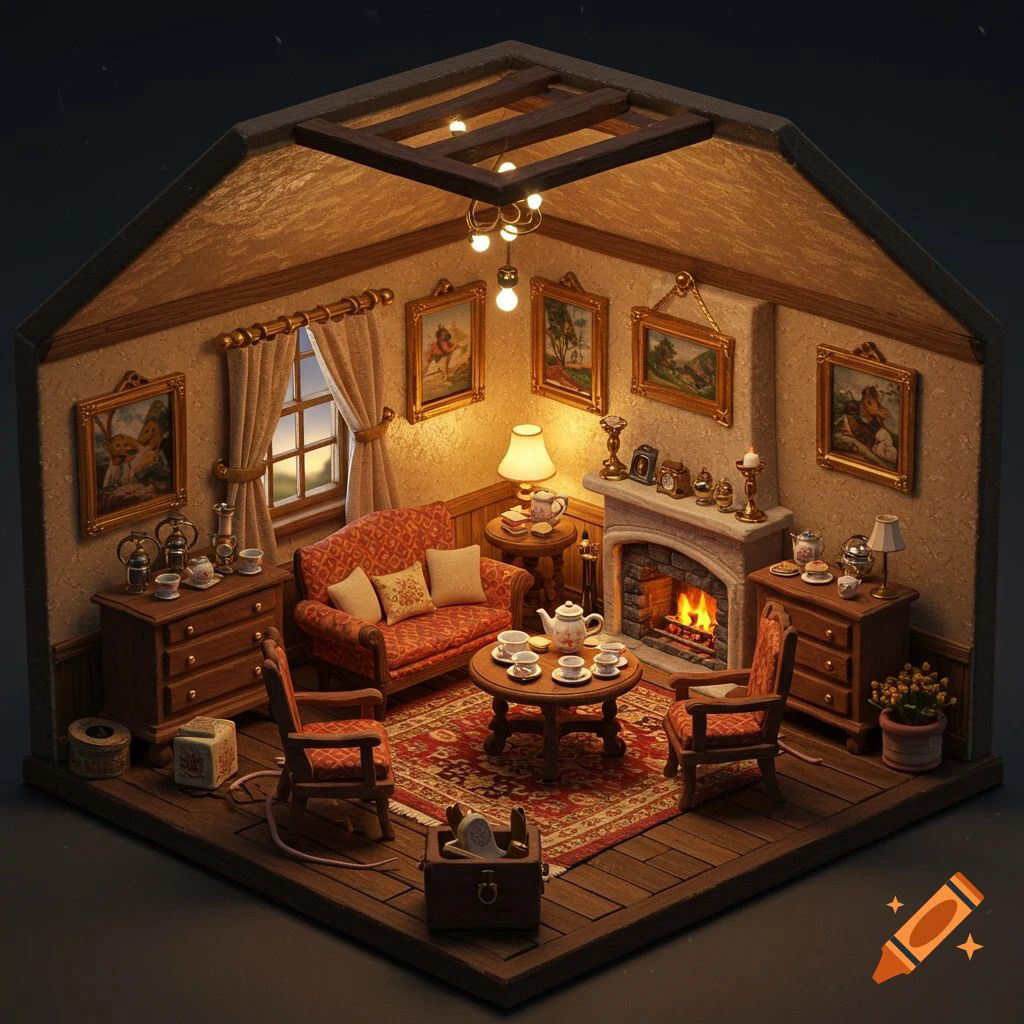
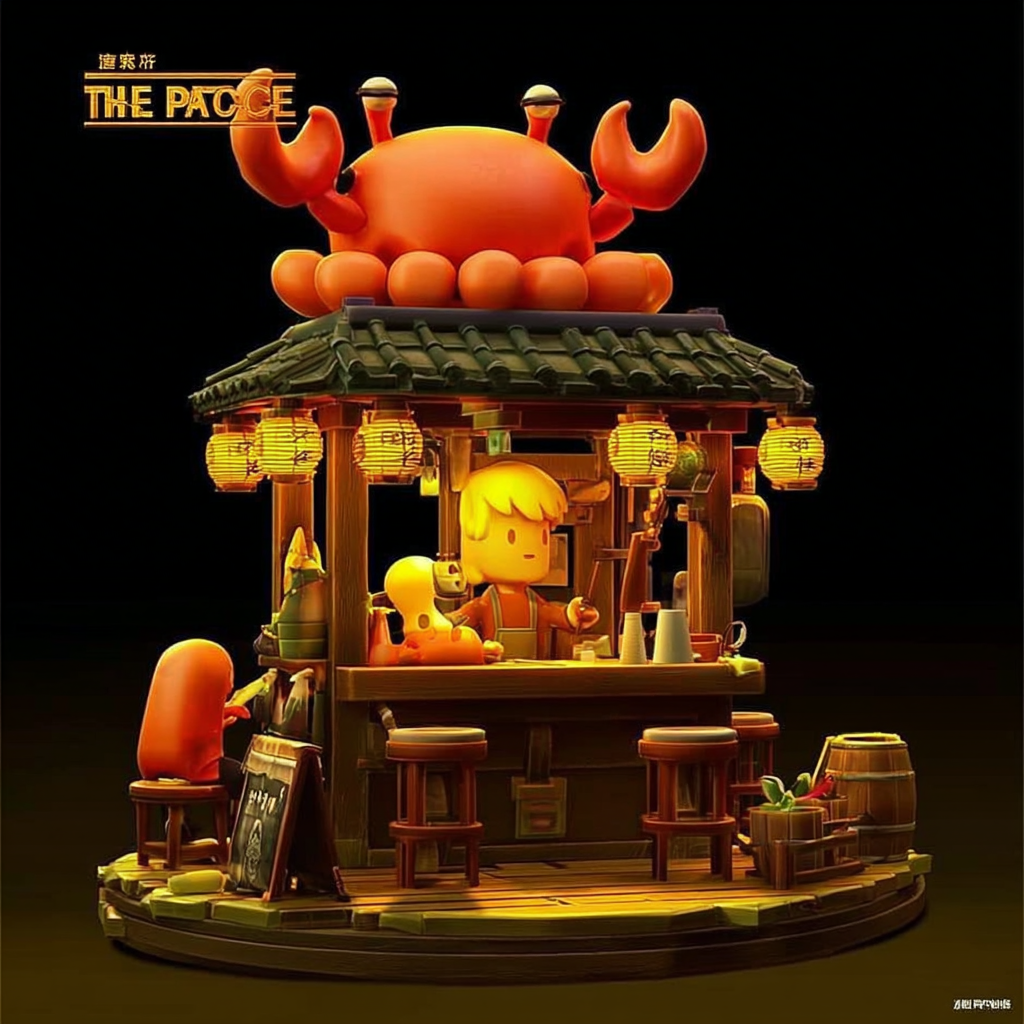
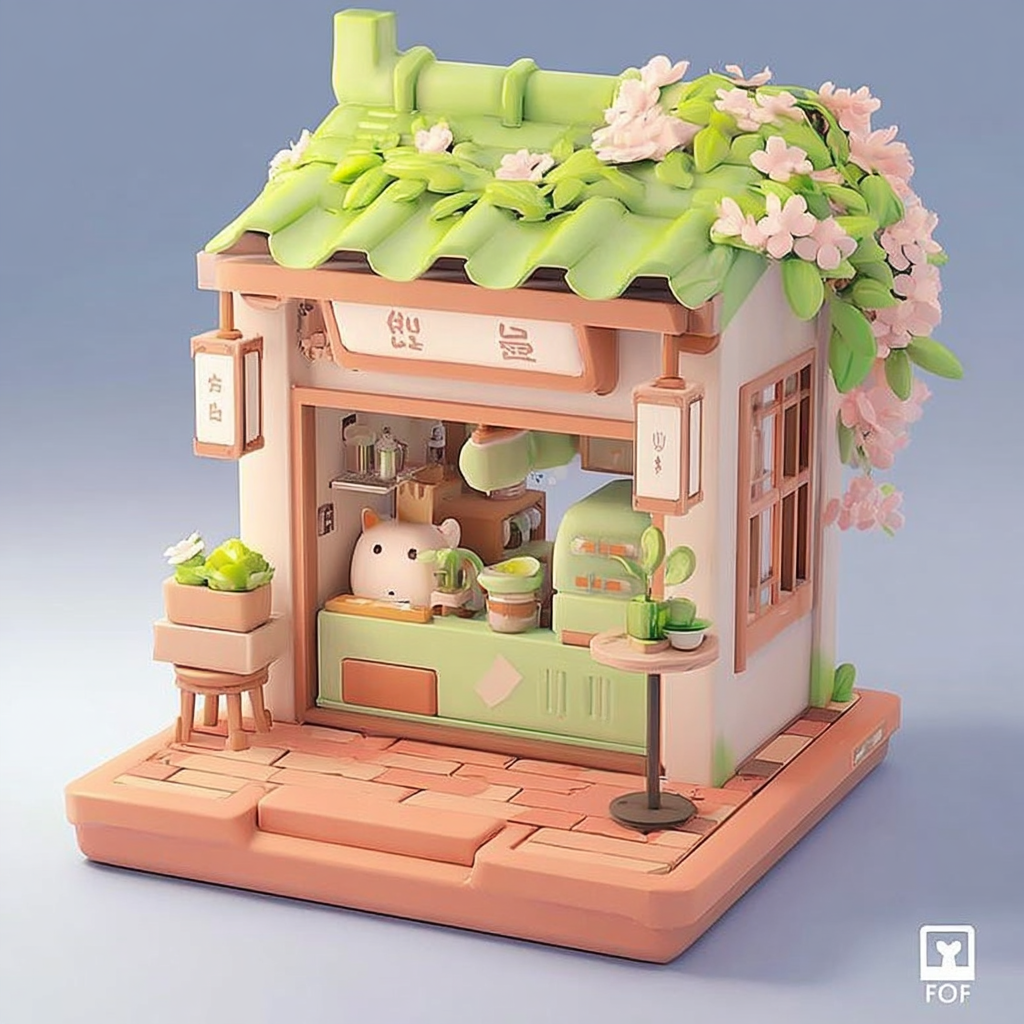
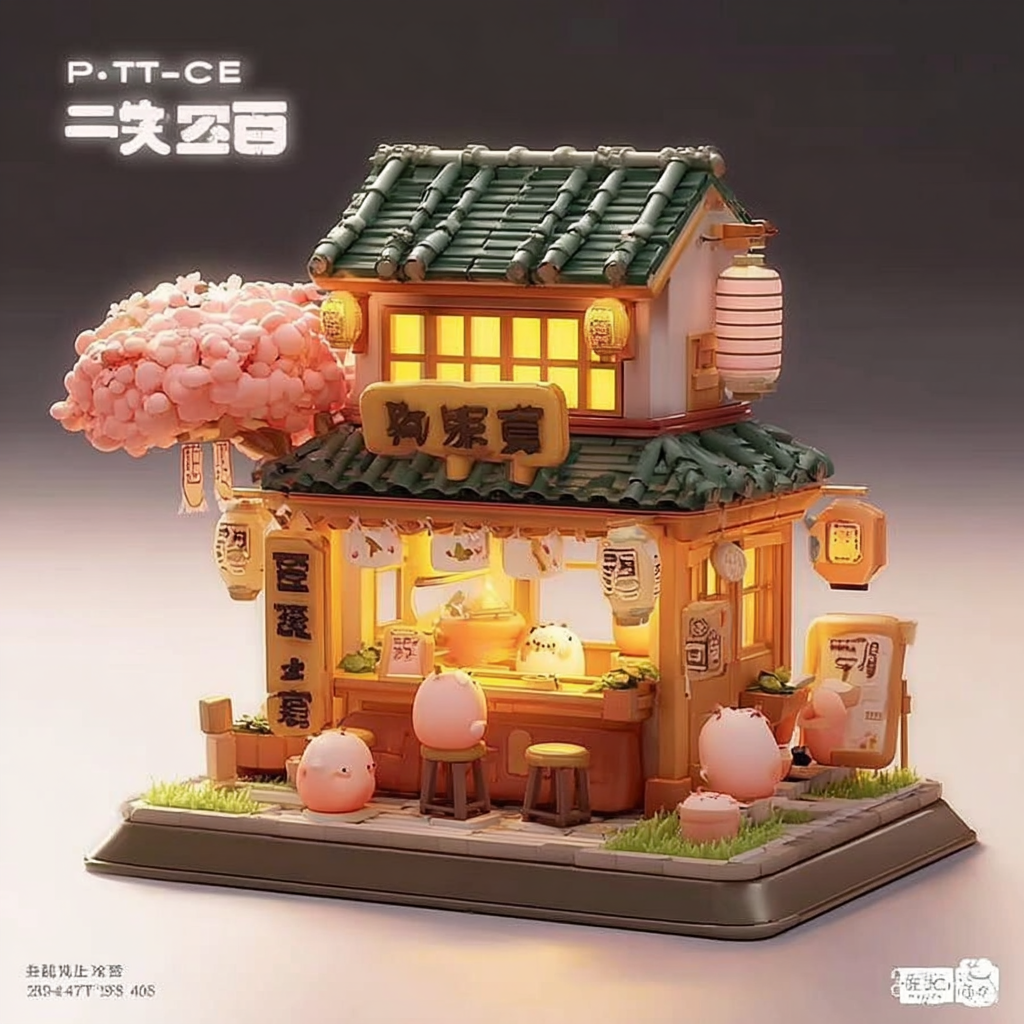
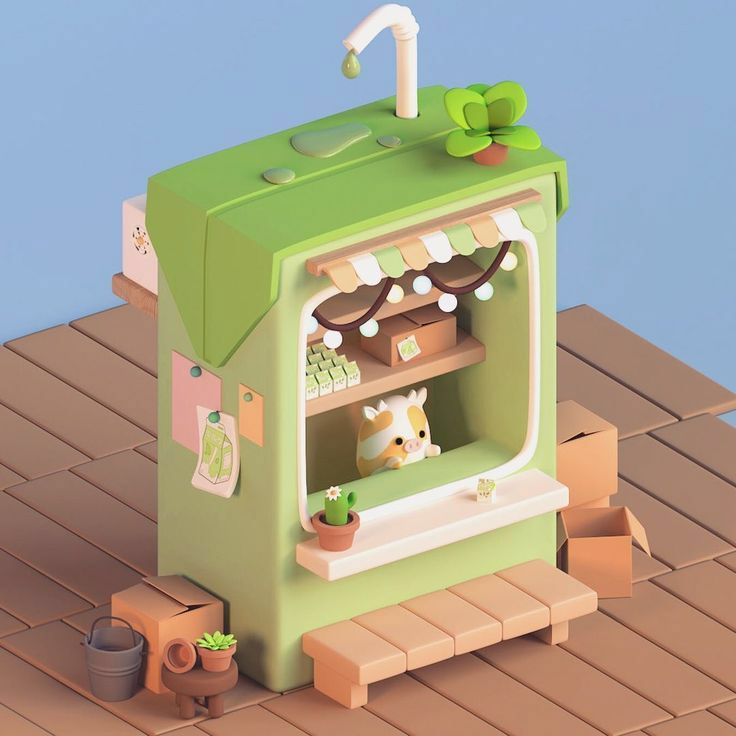
After generating a series of concept images, I decided to develop a warm and cozy small home setting like the first row.
I liked this direction because it had a strong sense of atmosphere and gave me enough room to build a detailed scene with characters, props, lighting, and small environmental details.
I liked this direction because it had a strong sense of atmosphere and gave me enough room to build a detailed scene with characters, props, lighting, and small environmental details.
03 AI ASSET GENERATION
I generated different creature designs with Midjourney and selected the one that best matched the soft and cute style of the scene.
Then I used Dreamina to remove the background, so the image could be cleaner and more readable when generating the 3D model in Hunyuan.
Then I used Dreamina to remove the background, so the image could be cleaner and more readable when generating the 3D model in Hunyuan.
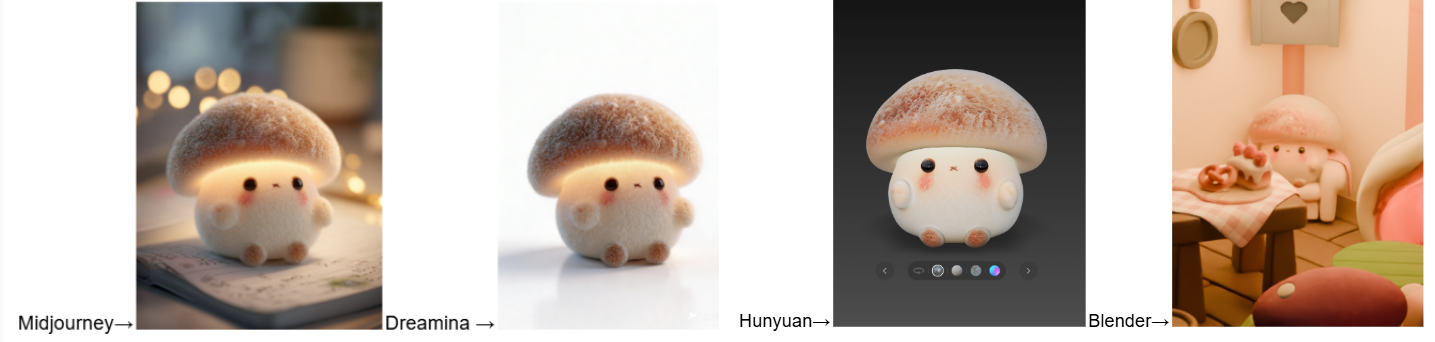
Based on this creature, I also used Dreamina to generate several other small creature designs, including flower and cactus inspired characters.
This helped me explore a more complete visual family for the scene, instead of relying on only one main character.
This helped me explore a more complete visual family for the scene, instead of relying on only one main character.
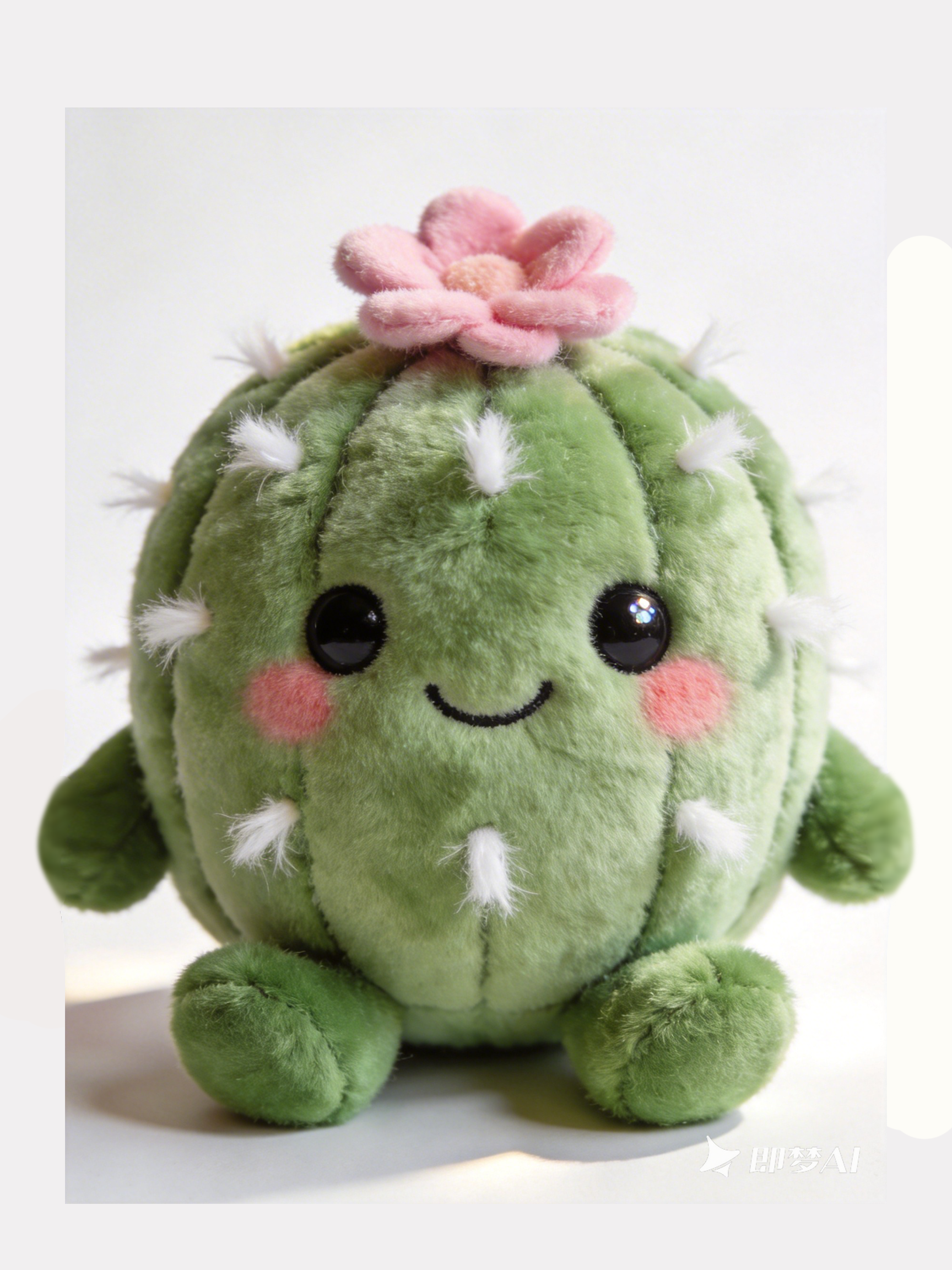
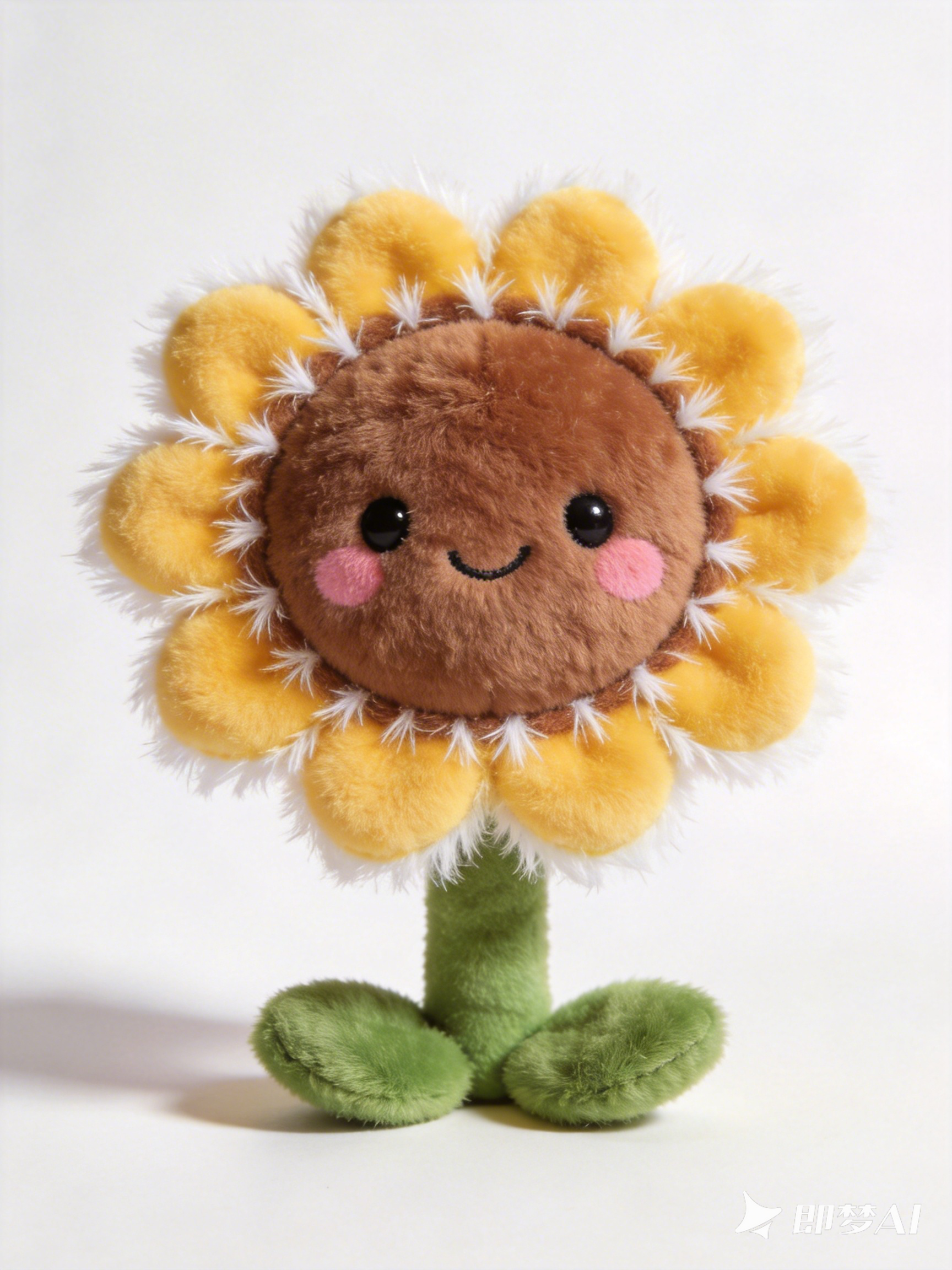
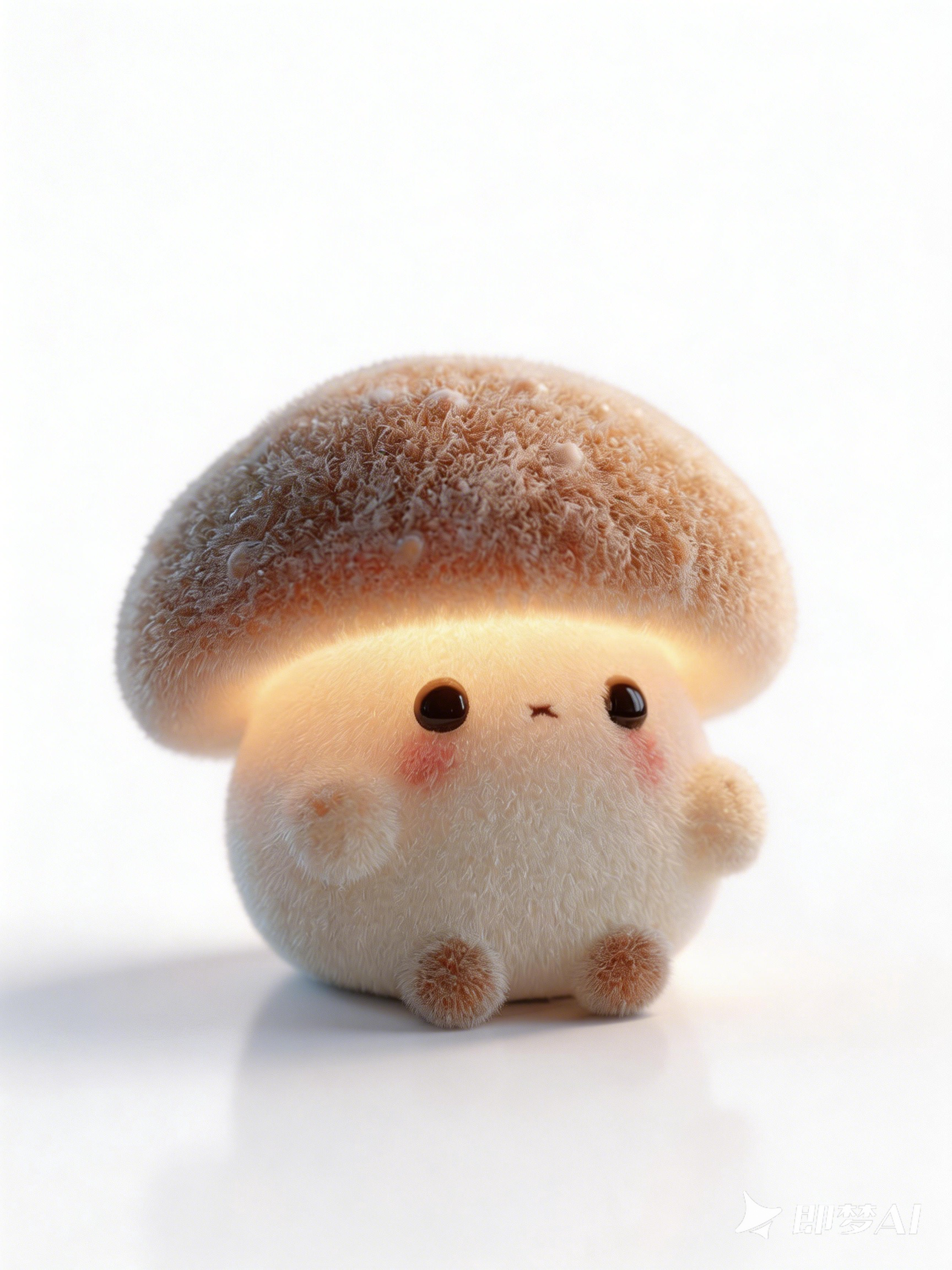
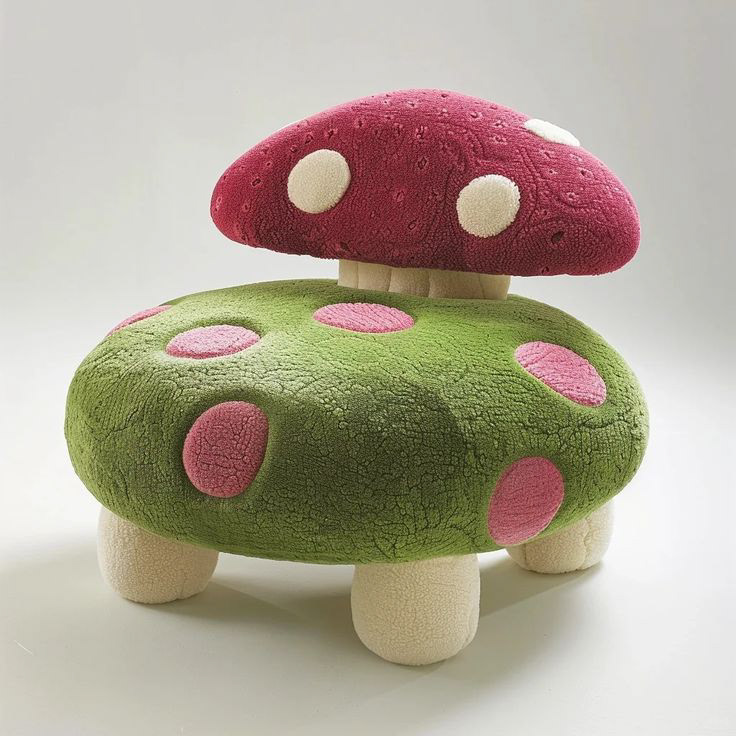
After generating the 3D models, I noticed that the directly generated results still had some rendering and material issues.
I manually adjusted the textures and various settings in Blender to make the models look softer, cleaner, and cuter, so they could better match the warm visual style of the scene.
I manually adjusted the textures and various settings in Blender to make the models look softer, cleaner, and cuter, so they could better match the warm visual style of the scene.
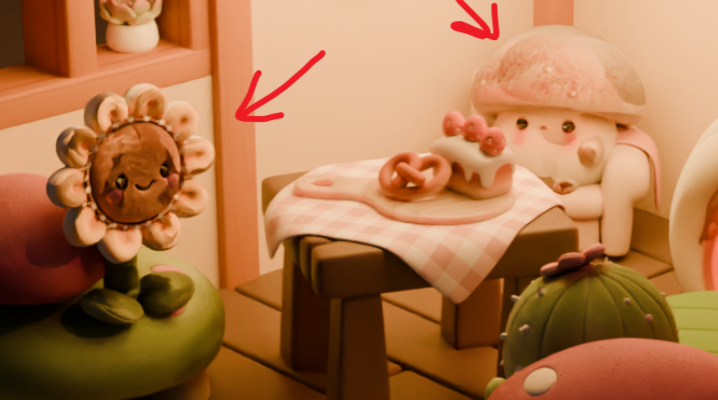
Before
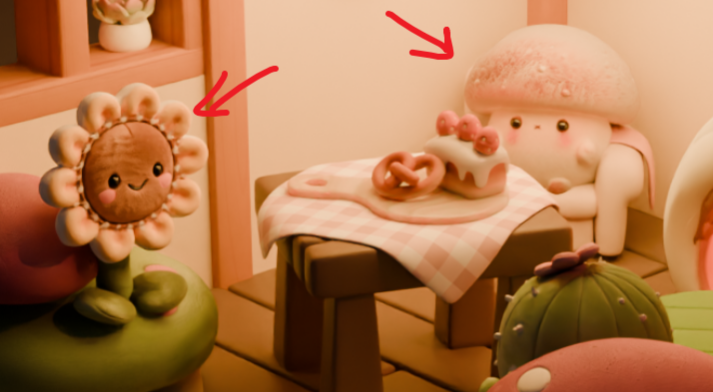
After
04 ANIMATION AND FINAL PASS
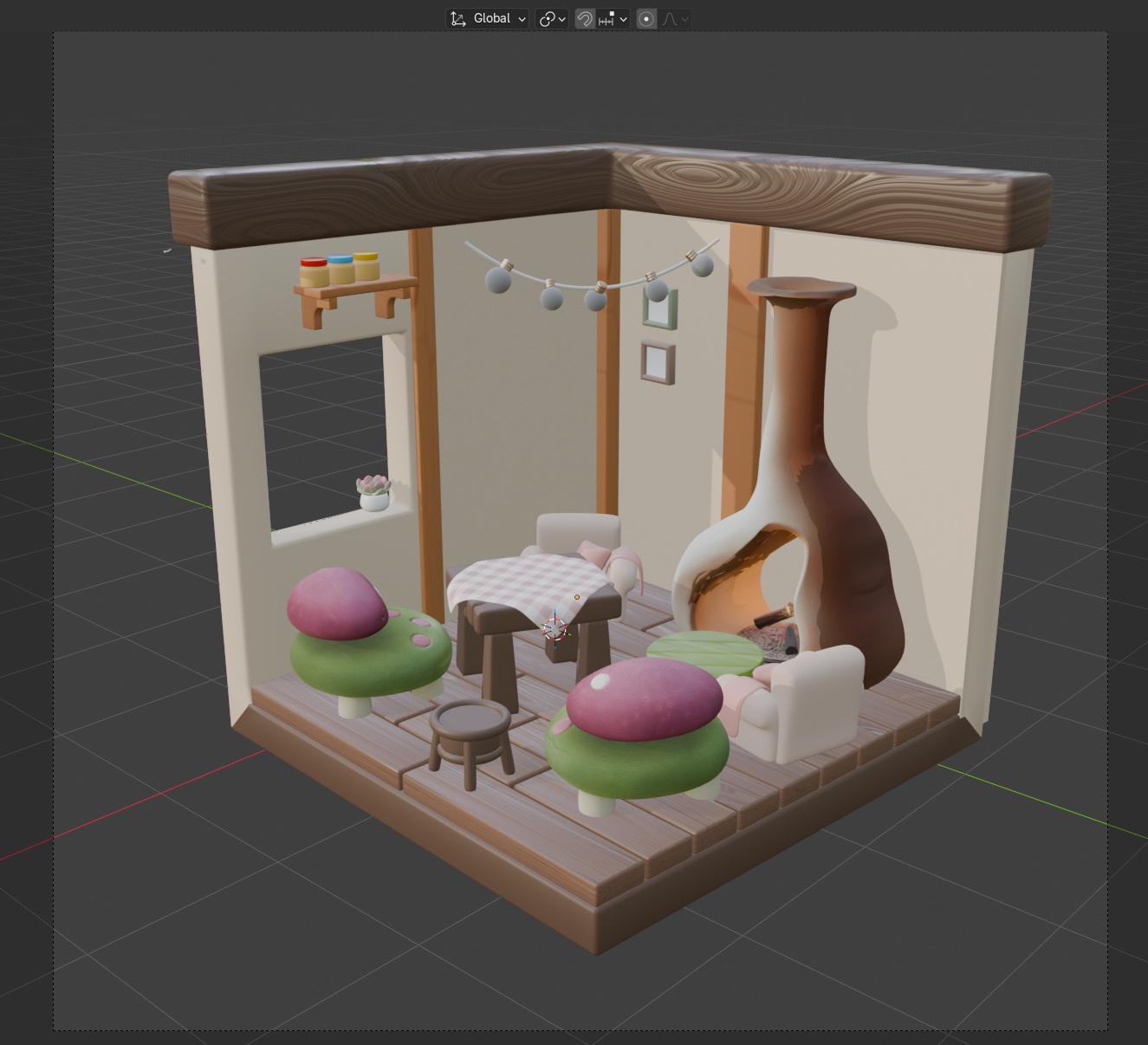
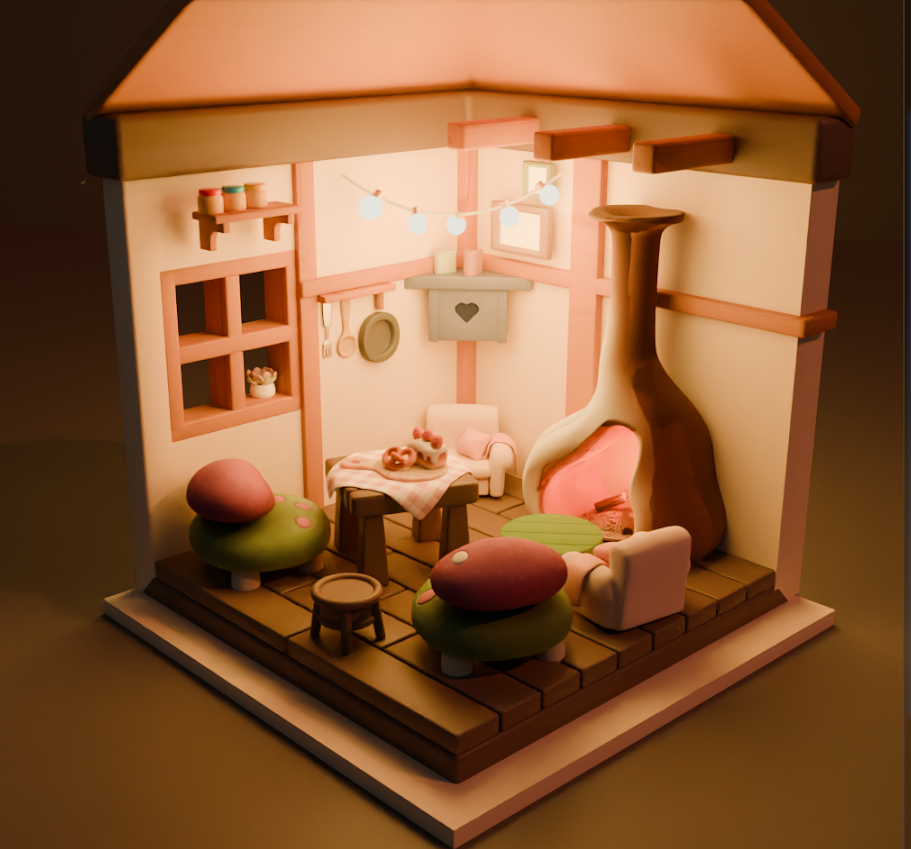
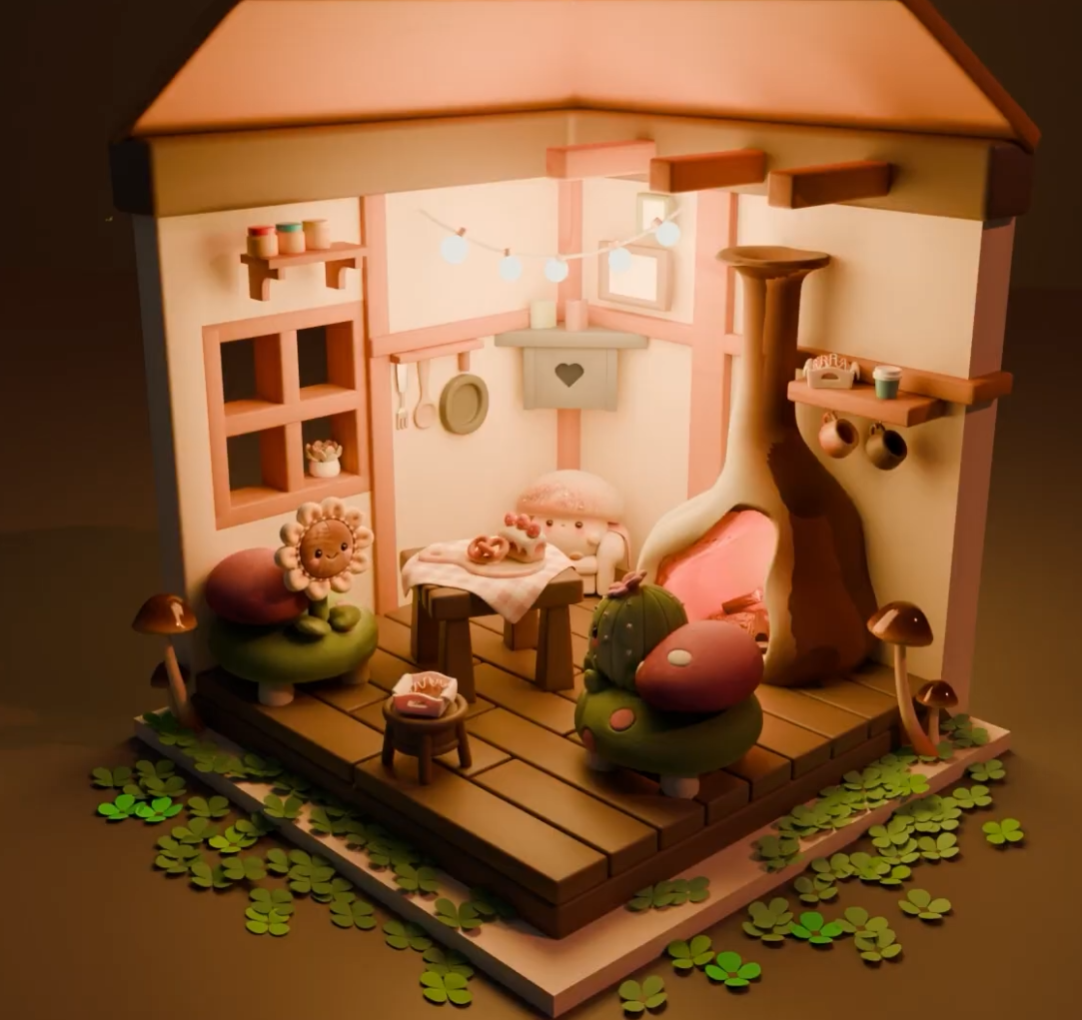
After finishing the scene setup, I added simple animation to bring the scene to life.
The final stage focused on polishing the 3D scene, adding animation, and rendering out the final result. This helped turn the project from a static AI generated concept into a finished animated 3D piece.
Developments:
The final stage focused on polishing the 3D scene, adding animation, and rendering out the final result. This helped turn the project from a static AI generated concept into a finished animated 3D piece.
Developments:
05 FINAL THOUGHTS
Through this project, I learned more about how AI tools can support a 3D workflow, especially during concept development and early asset generation.
At the same time, I realized that AI generated assets still need a lot of manual cleanup and artistic adjustment before they can fit naturally into a finished scene. The most important part of this project was not simply generating images or models, but learning how to connect different tools into one production pipeline and make the final result feel visually consistent.
At the same time, I realized that AI generated assets still need a lot of manual cleanup and artistic adjustment before they can fit naturally into a finished scene. The most important part of this project was not simply generating images or models, but learning how to connect different tools into one production pipeline and make the final result feel visually consistent.